Synchronize Template
This functionality allows any changes to the database procedure (since the Template was imported) to be seamlessly incorporated into the Template definition.
An example of this could be new parameters/columns added to the database object or Oracle API that do not exist in the Template yet.
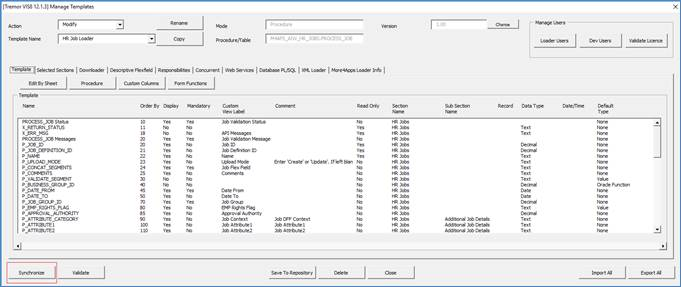
Select ‘Modify’ in the Action field, then the ‘Template Name’ in the ‘Manage Templates’ form.
Click the ‘Synchronize’ button. The additional attributes will be migrated to this particular template.
Note - Any existing Template configuration will remain. The new columns will appear as a normal text field. Reach out to More4apps Support if this newly added field requires a specific configuration like List of Values if it is shown as LOV on the standard Oracle EBS Form.
Refer to section: